01Prepare the package
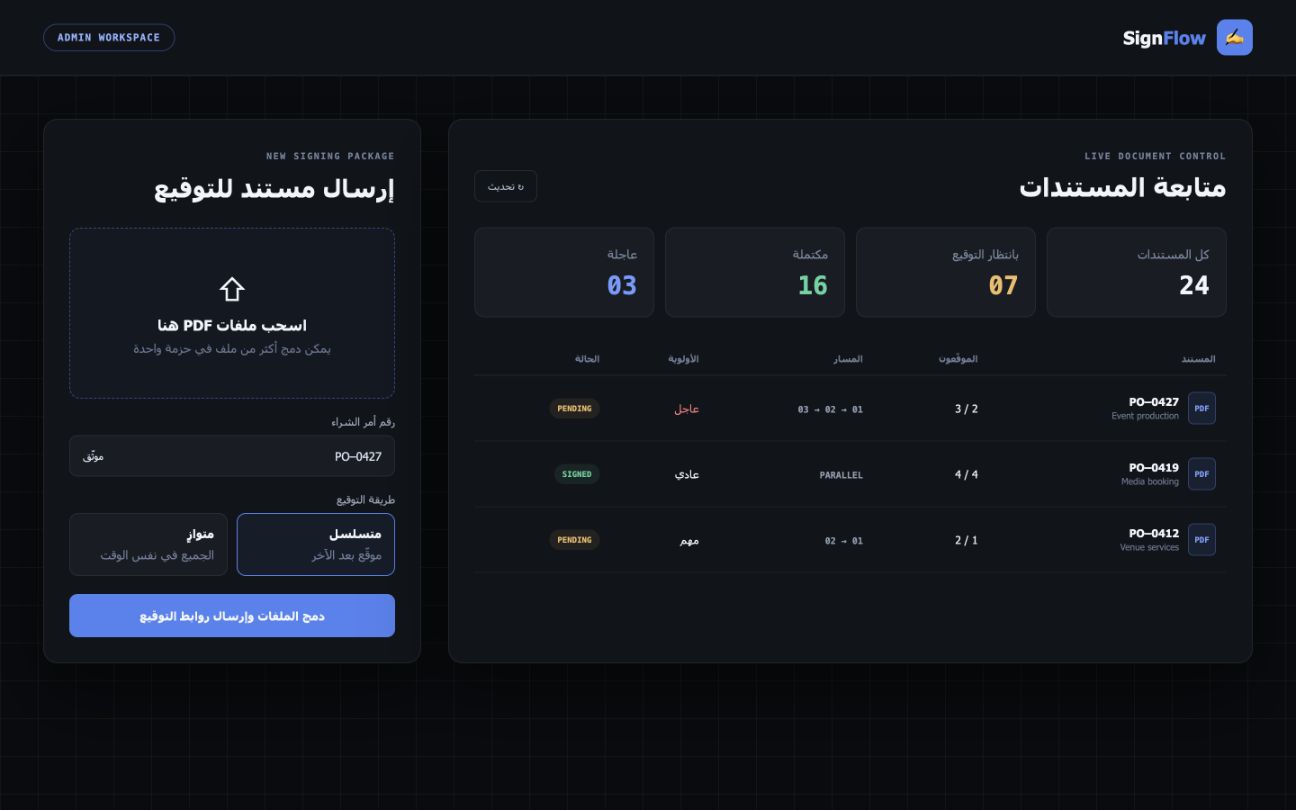
Upload and merge the PDF files, identify the cover pages, and add the PO number and document description.
02Choose the route
Select the signers, set sequential or parallel delivery, and mark the request as normal, important, or urgent.
03Verify the signer
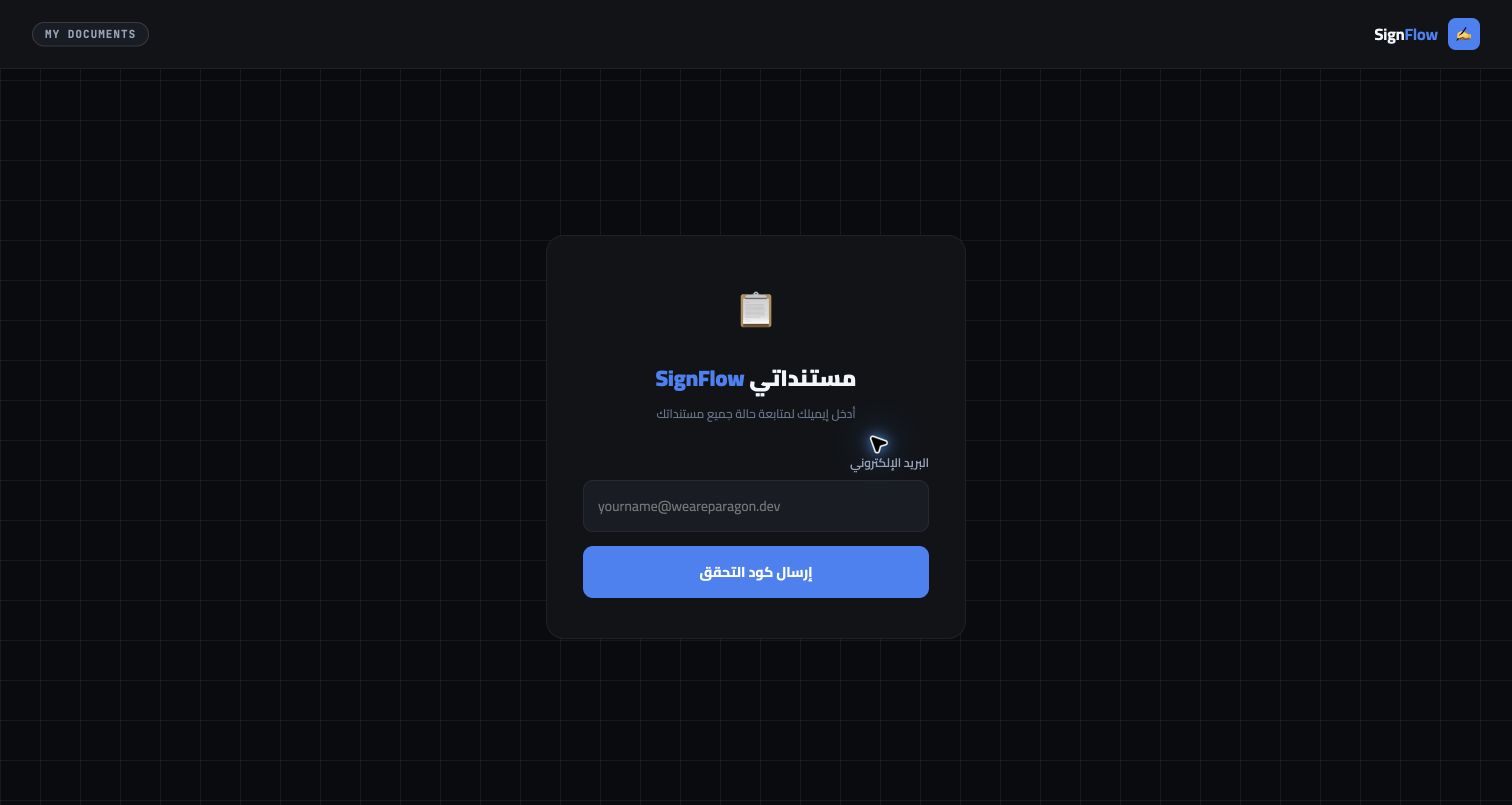
Each employee receives a secure link and a one-time code before the document and signing tools are unlocked.
04Review and sign
The signer reviews the PDF, draws a signature or uses an image, then signs—or rejects the request with a clear reason.
05Stamp and record
The system writes each signature, signer name, and timestamp into the PDF while recording the device and request audit data.
06Close the loop
Reminders keep pending requests moving; completion emails and the portal give every participant the final signed document.
 DIGITAL SYSTEMS